Download AirServer 7.3.3 for Windows 2026

Free download Download AirServer 7.3.3 for Windows 2026 7.3.3 19.8 MB · Windows · 62,208 downloads

Overview

AirServer for Windows download turns your PC or interactive display into a universal wireless screen mirroring receiver. Developed by AppDynamic EH visual solutions, AirServer allows users to mirror streams simultaneously from iOS, Mac, Android, Chromebook, and Windows devices without requiring proprietary hardware or dongles.

94fbr AirServer for Windows functions as a universal receiver suite that transforms any Windows computer or interactive whiteboard into an all-in-one wireless display hub. Instead of forcing users to install proprietary client software onto sender devices, AirServer natively supports the industry’s three primary casting protocols: Apple AirPlay, Google Cast, and Wi-Fi Certified Miracast.

This cross-protocol compatibility allows an iPhone, an Android tablet, a Chromebook, and a Windows laptop to cast their screens to a single display side-by-side. Designed for corporate boardrooms, educational classrooms, and home entertainment setups, AirServer processes high-frame-rate 4K Ultra HD video streams at 60 FPS while keeping latency low.
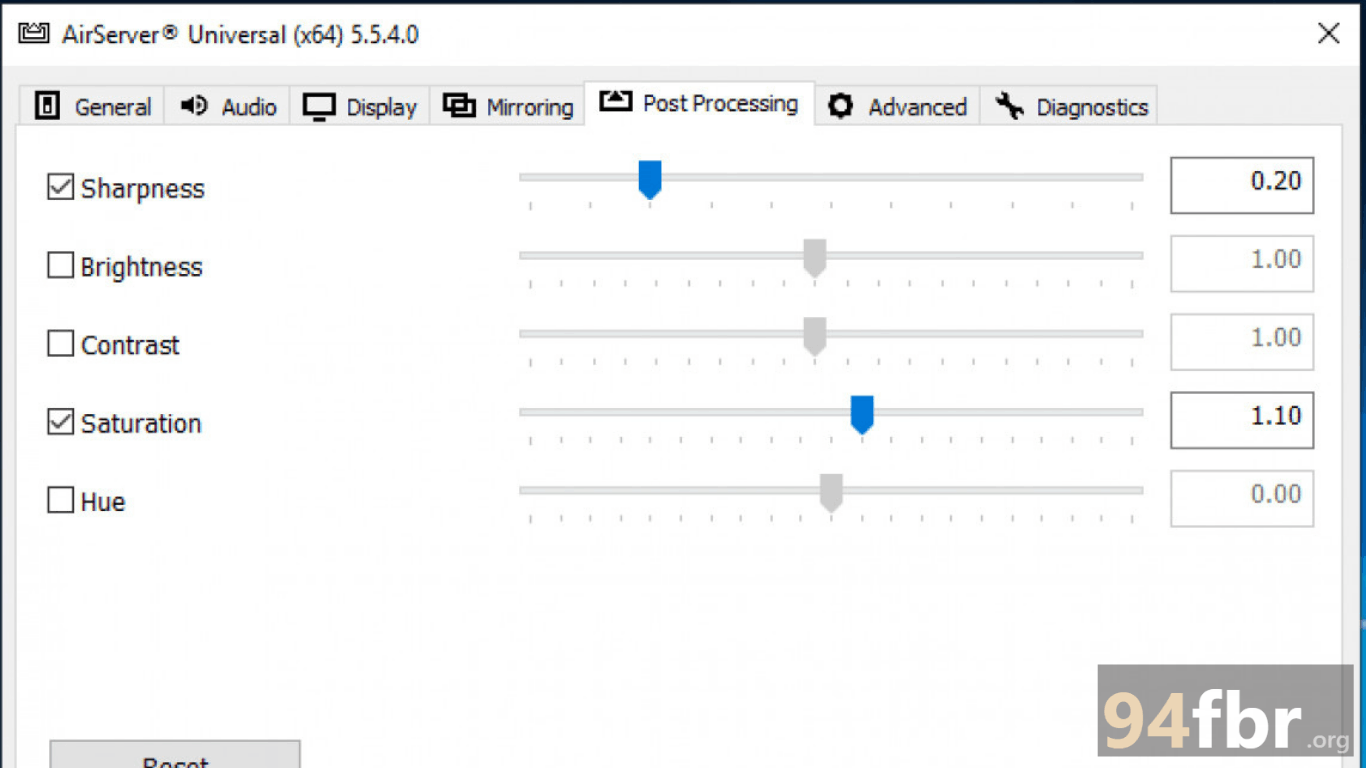
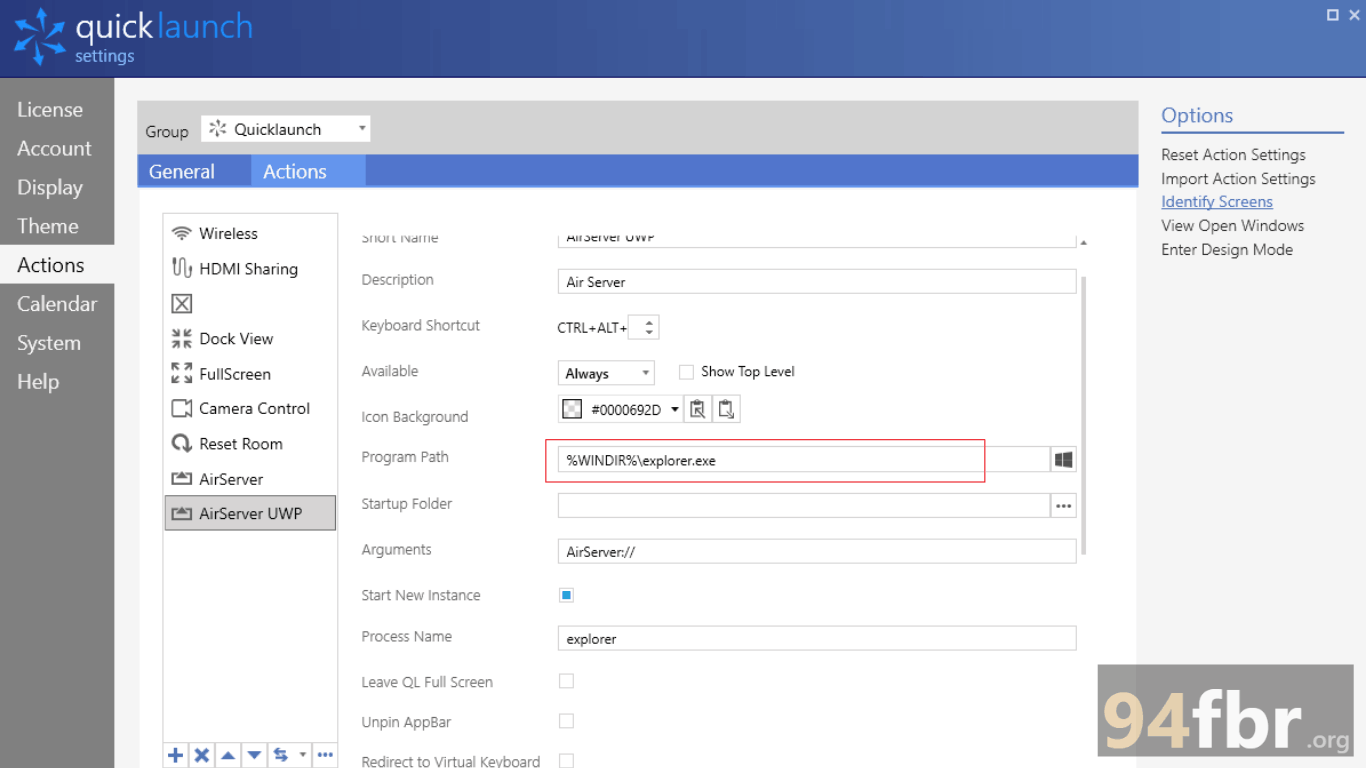
Screenshots

Download AirServer 7.3.3 for Windows 2026 screenshot 1
Download AirServer 7.3.3 for Windows 2026 screenshot 2

Features

  • Triple-Protocol Native Support: Receives AirPlay, Google Cast, and Miracast streams simultaneously without installing third-party apps on sender devices.
  • 4K UHD Screen Mirroring at 60 FPS: Decodes and renders high-resolution video streams smoothly for sharp display performance on large monitors and projectors.
  • Multi-Screen Side-by-Side Display: Supports multiple simultaneous connections, letting up to 16 devices share their screens on a single display for collaborative presentations.
  • Hardware-Accelerated Decoding: Leverages GPU hardware acceleration (Intel Quick Sync, Nvidia, and AMD) to reduce CPU load and minimize latency during high-bitrate streaming.
  • Integrated Screen & Audio Recording: Records live screen-mirroring sessions along with synchronized audio tracks directly to your local PC storage drive.
  • Enterprise-Grade Network Security: Protects wireless transmissions using encrypted connections, PIN access codes, and password protections compatible with complex corporate VLAN networks.

Requirements

Version
7.3.3
File size
19.8 MB
Platform
Windows
Requirements
Windows 10 or Windows 11, 4 GB or more
Developer
AppDynamic EH
Licence
Proprietary
Language
Multiingual
Release date
March 13, 2026
Downloads
62,208

How to install

  1. Download Official Setup Package: Download the official Windows installerto your PC.
  2. Execute Installer Package: Open your Downloads directory and double-click. Click Yes when the Windows User Account Control (UAC) prompt requests administrative elevation.
  3. Run Setup Wizard: Select your preferred display language, click Next, and accept the End User License Agreement (EULA).
  4. Choose Destination Folder: Confirm your target installation directory and click Install.
  5. Configure Network & Mirror Screen: Launch AirServer from your Start Menu, allow the application through the Windows Defender Firewall prompt, enter your activation key (or choose the 14-day trial), and select your PC name from the AirPlay, Cast, or Miracast menu on your mobile device to begin mirroring.

Pros & cons

Pros

  • Zero client setup required on sender devices—works out of the box with native iOS, Android, and Windows cast controls.
  • Multi-stream capability allows side-by-side comparisons during presentations.
  • Extremely lightweight memory footprint with low CPU utilization during 60 FPS playback.
  • Strong enterprise security options, including password access control and 802.1x network support.

Cons

  • Requires a stable local Wi-Fi network topology to prevent micro-stuttering on 4K streams.
  • Commercial software that requires purchasing a user license after the 14-day evaluation period.

Related in Mac

View all

Leave a reply