
Dropbox for Windows Download 2026 | 94FBR

Free download Dropbox for Windows Download 2026 | 94FBR 268.4.4124 321.35 MB · Windows · 8,234 downloads

Overview

Dropbox for Windows functions as a seamless extension of your native file system. By creating a dedicated synchronization folder inside File Explorer, the application monitors local directory changes continuously and uploads modified files to the cloud instantly.

The application uses block-level file copying, meaning that when you edit a large document, Dropbox transfers only the modified data chunks rather than re-uploading the entire file. With built-in Smart Sync (Online-Only files), automatic folder backup (Desktop, Documents, Downloads), and native integration with Microsoft 365, Google Workspace, and Zoom, Dropbox provides robust file protection and collaborative sharing across desktop environments.

94fbr Dropbox for windows download equips your PC with a high-performance cloud storage and real-time file synchronization client. Developed by Dropbox, Inc., this utility integrates directly into Windows File Explorer, allowing users to back up critical documents, share heavy media files via secure links, and access files offline without consuming local storage space.
Screenshots

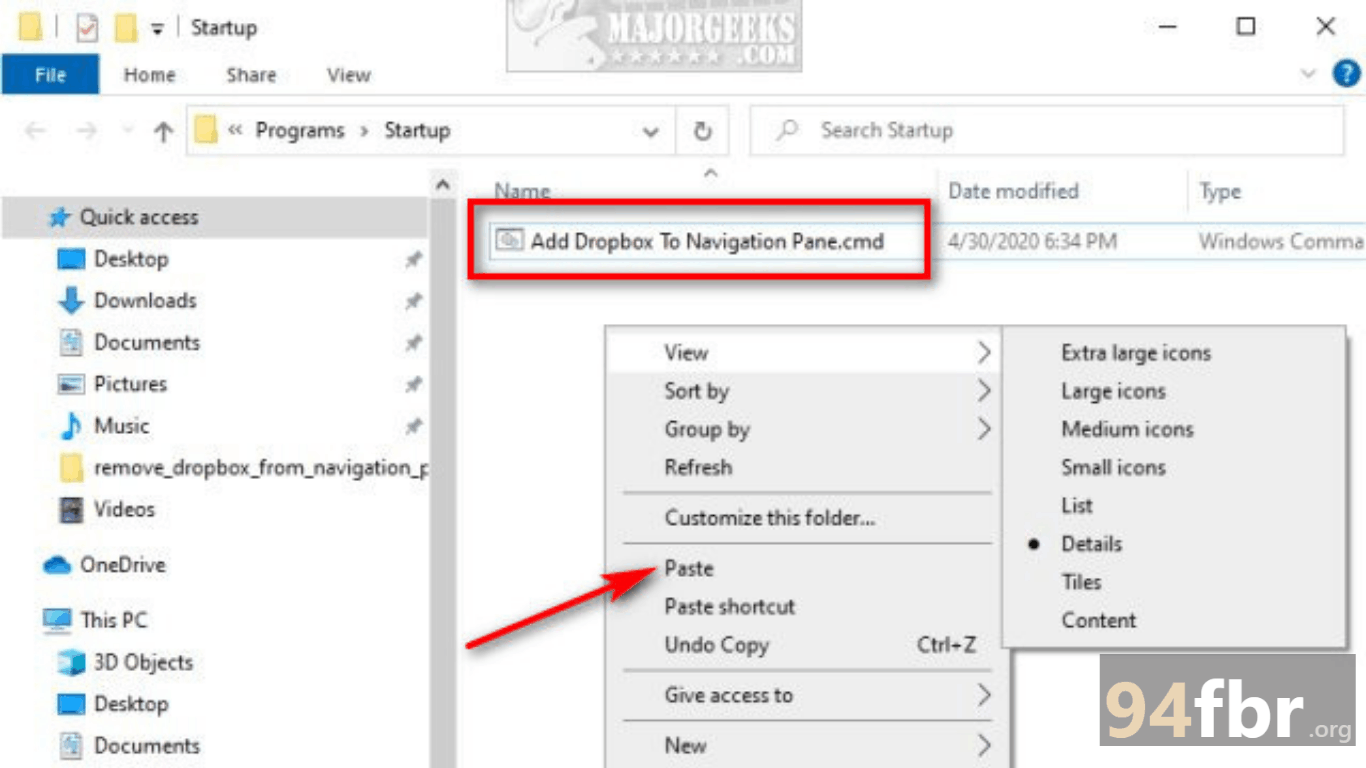
Dropbox for Windows Download 2026 | 94FBR screenshot 1
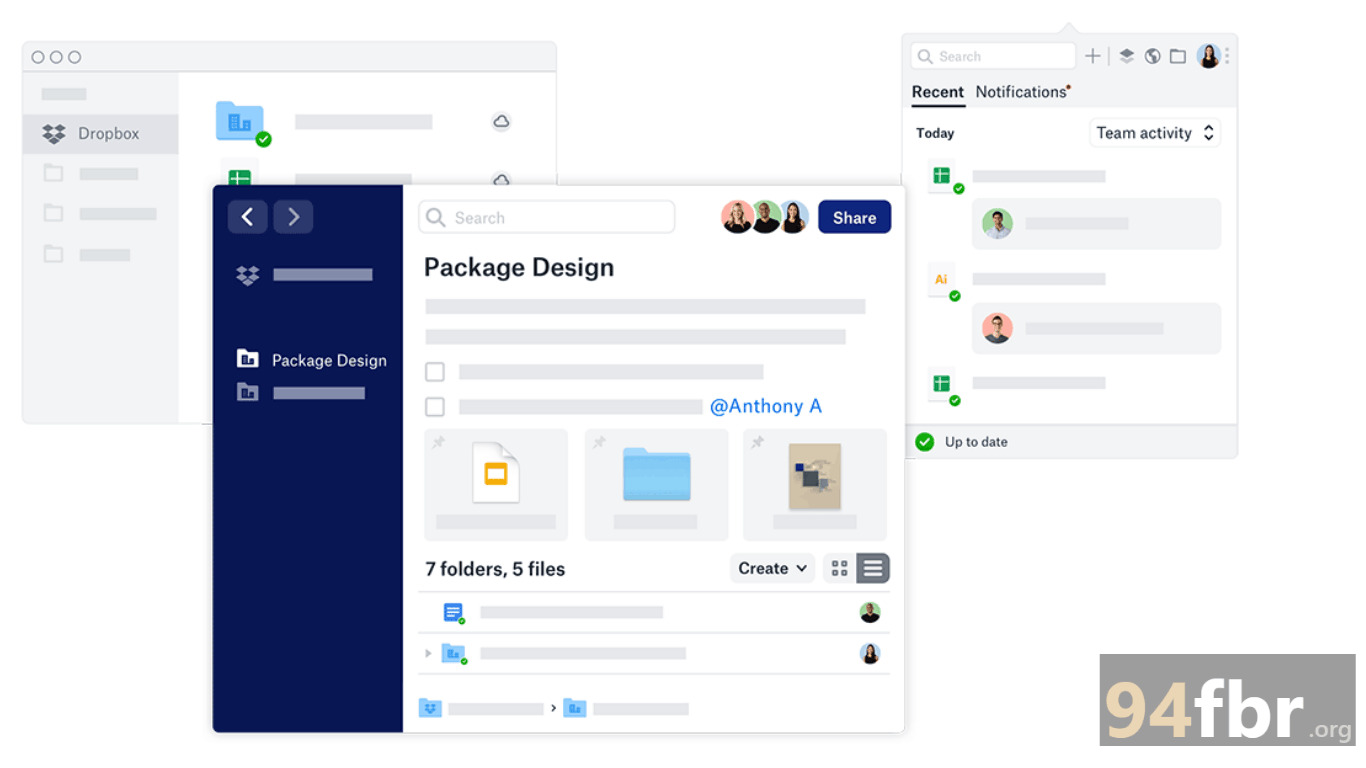
Dropbox for Windows Download 2026 | 94FBR screenshot 2

Features

  • Block-Level Delta Syncing: Transmits only the updated portions of modified files, drastically accelerating upload times and reducing network bandwidth consumption.
  • Smart Sync (Online-Only Files): Displays your cloud-stored files directly within Windows File Explorer without taking up physical hard drive space until opened.
  • Automatic PC Backup: Backs up critical Windows system directories—including Desktop, Documents, and Downloads—to the cloud in real time.
  • Granular File Versioning & Recovery: Restores deleted files and rolls back accidental edits using 30-day (or 180-day for Business plans) version history logs.
  • Passcode-Protected Link Sharing: Generates secure file links with customizable password protections, view-only permissions, and mandatory expiration dates.
  • Native Windows File Explorer Integration: Displays real-time sync status icons (green checkmarks, blue sync arrows) directly on local file thumbnails.

Requirements

Version
268.4.4124
File size
321.35 MB
Platform
Windows
Requirements
Windows 10 or Windows 11, 4 GB or more
Developer
Dropbox
Licence
Proprietary
Language
Multiingual
Release date
Sep 2, 2026
Downloads
8,234

How to install

  1. Download Official Installer: Visit the official Dropbox portal and download the Windows desktop client installer.
  2. Launch Setup Executable: Locate DropboxInstaller.exe in your system Downloads directory and double-click the setup file. Click Yes when the Windows User Account Control (UAC) prompt requests administrative access.
  3. Run Automatic Unpacking: The online installer will download the core application binaries and unpack file dependencies automatically.
  4. Sign In or Register: Log in with your existing Dropbox credentials, or click Create an account to set up new login details.
  5. Set Up Sync Preferences: Choose between Make files local or Make files online-only (Smart Sync), select folders to back up, and click Open my Dropbox folder to start syncing files immediately.

Pros & cons

Pros

  • ndustry-leading block-level sync speeds make transferring large files faster than competitors.
  • Seamless native File Explorer integration provides an intuitive desktop user experience.
  • Smart Sync saves hundreds of gigabytes of local SSD storage by keeping files cloud-only.
  • Excellent cross-platform compatibility across Windows, macOS, mobile, and web.

Cons

  • The free Basic tier offers only 2 GB of starting storage capacity.
  • Free account users face limits on the number of simultaneously linked desktop and mobile devices.

Related in Utility Tool

View all

Leave a reply