File Scavenger for Windows – Download it from 94FBR

Free download File Scavenger for Windows – Download it from 94FBR 4.3 2.11 MB · Windows · 78,819 downloads

Overview

File Scavenger For Windows download provides your PC with a specialized data recovery utility engineered to retrieve lost, deleted, formatted, or corrupted files from local hard drives, external media, and broken RAID arrays. Developed by QueTek Consulting Corporation, File Scavenger uses deep file-signature algorithms to locate residual data fragments on storage drives even when the operating system file allocation table is damaged or missing.

File Scavenger for Windows operates as an advanced forensic recovery tool that scans corrupted, unallocated, or reformatted storage partitions to rescue lost data. When a file is delete from Windows, the operating system removes its directory path index while leaving the actual binary data intact on the disk until overwritten. File Scavenger bypasses standard Windows file system pointers and reads raw disk sectors directly to rebuild original file structures.

94fbr software supports multiple volume layouts including NTFS, FAT, FAT32, exFAT, ReFS, and ext2/ext3/ext4—making it highly effective across internal SSDs, traditional magnetic hard drives, USB thumb drives, SD cards, and networked storage environments. Additionally, its portable mode allows administrators to run the utility directly from a flash drive without installing new data onto the affected system drive, preventing accidental file overwrites.
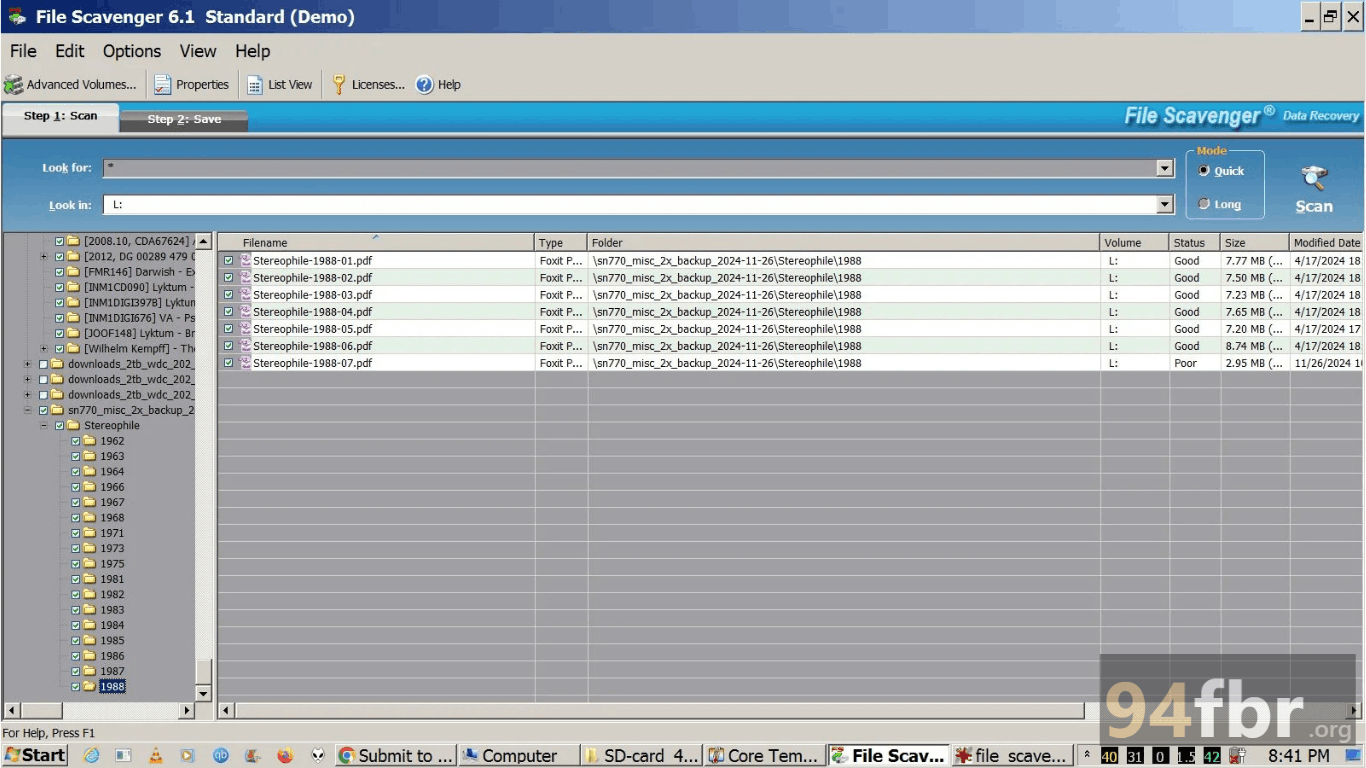
Screenshots

File Scavenger for Windows – Download it from 94FBR screenshot 1
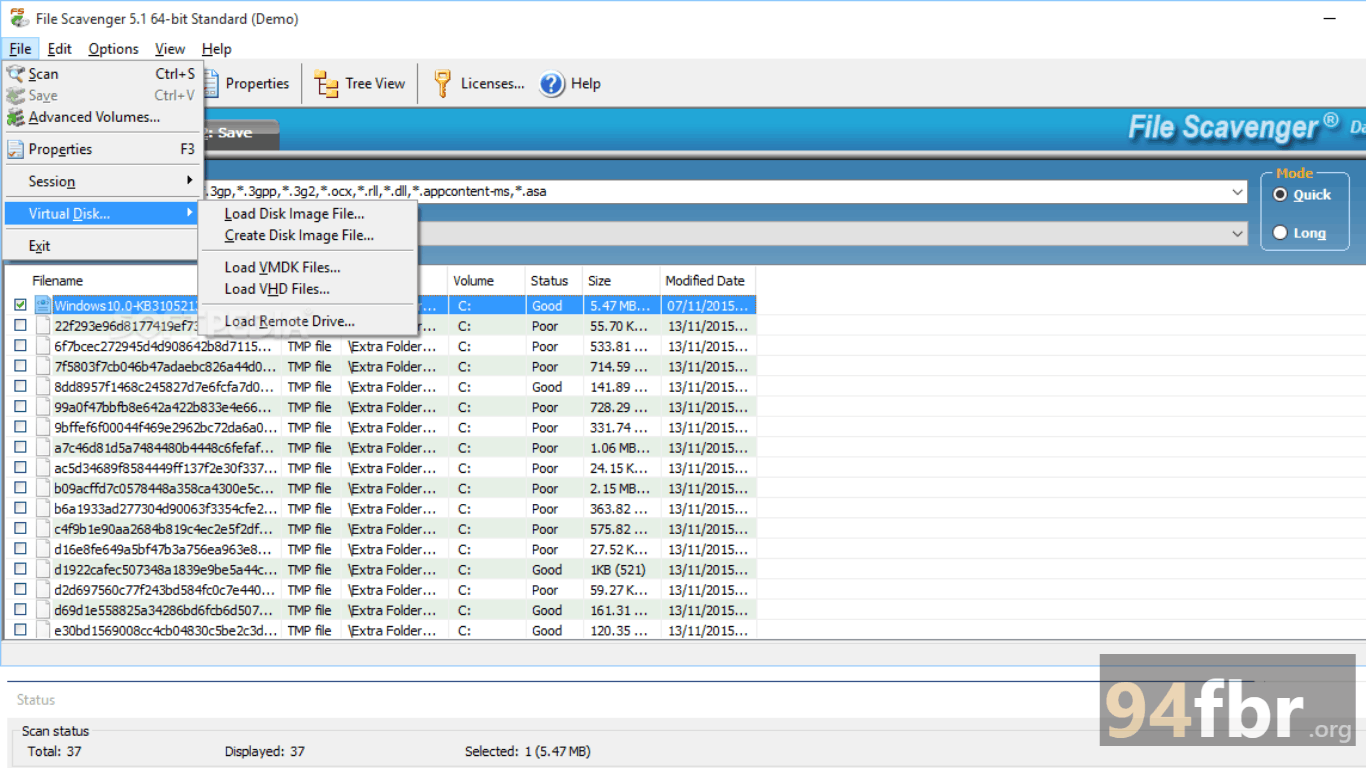
File Scavenger for Windows – Download it from 94FBR screenshot 2

Features

  • Advanced Raw Disk Scanning: Scans storage media at the sector level to recover fragmented files even when disk master boot records (MBR) or partition tables are completely corrupted.
  • Reconstructed Directory Paths: Restores original file names, creation timestamps, and complete folder tree hierarchies whenever file metadata remains intact.
  • Multi-File System Compatibility: Recovers data seamlessly across NTFS, FAT12/16/32, exFAT, ReFS, ext3/ext4, XFS, and HFS+ formatted storage drives.
  • RAID Array & Virtual Disk Recovery: Rebuilds broken RAID 0, RAID 5, and spanned volumes, while directly parsing virtual machine disk files like VMware VMDK and Microsoft VHD/VHDX.
  • Built-In Hex Viewer & File Previews: Previews recovered images, text files, and system headers directly inside the interface before initiating full extraction.
  • Portable Memory Deployment: Runs directly from a USB flash drive or external storage media to avoid overwriting deleted data on the target system drive during emergency recovery operations.

Requirements

Version
4.3
File size
2.11 MB
Platform
Windows
Requirements
Windows 10 or Windows 11, 4 GB or more
Developer
QueTek
Licence
Proprietary
Language
Multiingual
Release date
May 29, 2015
Downloads
78,819

How to install

  1. Download Official Installer: Download the official Windows setup package to a drive other than the one you plan to recover files from.
  2. Execute Setup Executable: Navigate to your setup directory and double-click the setup executable. Click Yes when the Windows User Account Control (UAC) prompt requests administrative access.
  3. Run Setup Wizard: Select your installation display language, accept the End User License Agreement (EULA), and click Next.
  4. Select Target Directory: Choose an external storage drive or non-impacted partition for installation to preserve lost data on drive C:.
  5. Launch Software & Start Recovery: Open File Scavenger from your Start Menu or Desktop shortcut, select your target drive, choose Quick Scan or Long Scan, and click Search to locate lost files.

Pros & cons

Pros

  • Extremely lightweight memory footprint (~7.5 MB executable) ensures fast deployment and rapid scanning.
  • Powerful sector-by-sector search engine succeeds where basic undelete utilities fail on damaged drives.
  • Native support for complex virtual disk formats (VHDX, VMDK) and Linux file systems connected to Windows PCs.
  • Read-only scanning operation prevents accidental overwriting or modification of original target drive data.

Cons

  • The user interface relies on a functional, utility-focused layout that lacks modern design animations.
  • Free trial mode limits full recovery to smaller files unless you register a commercial license key.

Related in Data Recovery Software

View all

Leave a reply