Adobe After Effects 26.0 for Windows | 94FBR

Free download Adobe After Effects 26.0 for Windows | 94FBR 26.0 7.28 GB · Windows · 64,009 downloads

Overview

Adobe After Effects for Windows download equips your PC with the post-production industry standard for motion graphics, visual effects (VFX), dynamic compositing, and animation. Developed by Adobe Inc., After Effects gives video editors, motion designers, and VFX artists the tools to create cinematic movie titles, 3D spatial graphics, complex camera tracking, and seamless green-screen compositing.

Adobe After Effects 26.0 for Windows operates as a layer-based non-linear visual effects and motion graphics suite. Unlike traditional video editors designed for sequential timeline assembly, After Effects excels at stacked compositing, spatial manipulations, keyframe animation, and procedural particle generation.

The application integrates seamlessly with the Adobe Creative Cloud ecosystem including Premiere Pro via Dynamic Link, Photoshop, Illustrator, and Audition. Powered by GPU-accelerated rendering engines like Mercury Playback, After Effects processes multi-layer 3D compositions, handles native vector graphics from Illustrator, and executes complex expression scripts. Whether you need to craft lower-third graphics, perform multi-point motion tracking, wire-removal, or generate complex 3D shape layers with Cinema 4D integration, After Effects remains the benchmark tool for digital post-production workflows.
Screenshots

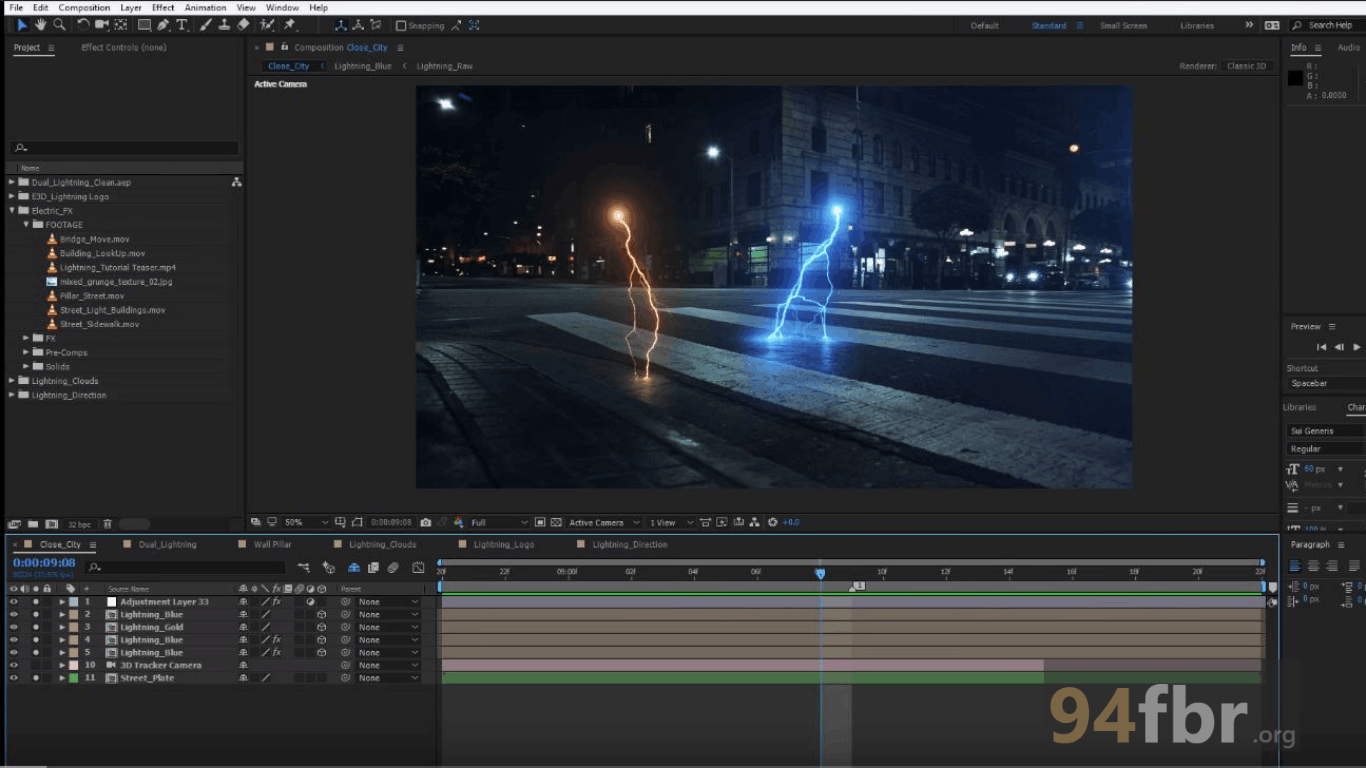
Adobe After Effects 26.0 for Windows | 94FBR screenshot 1
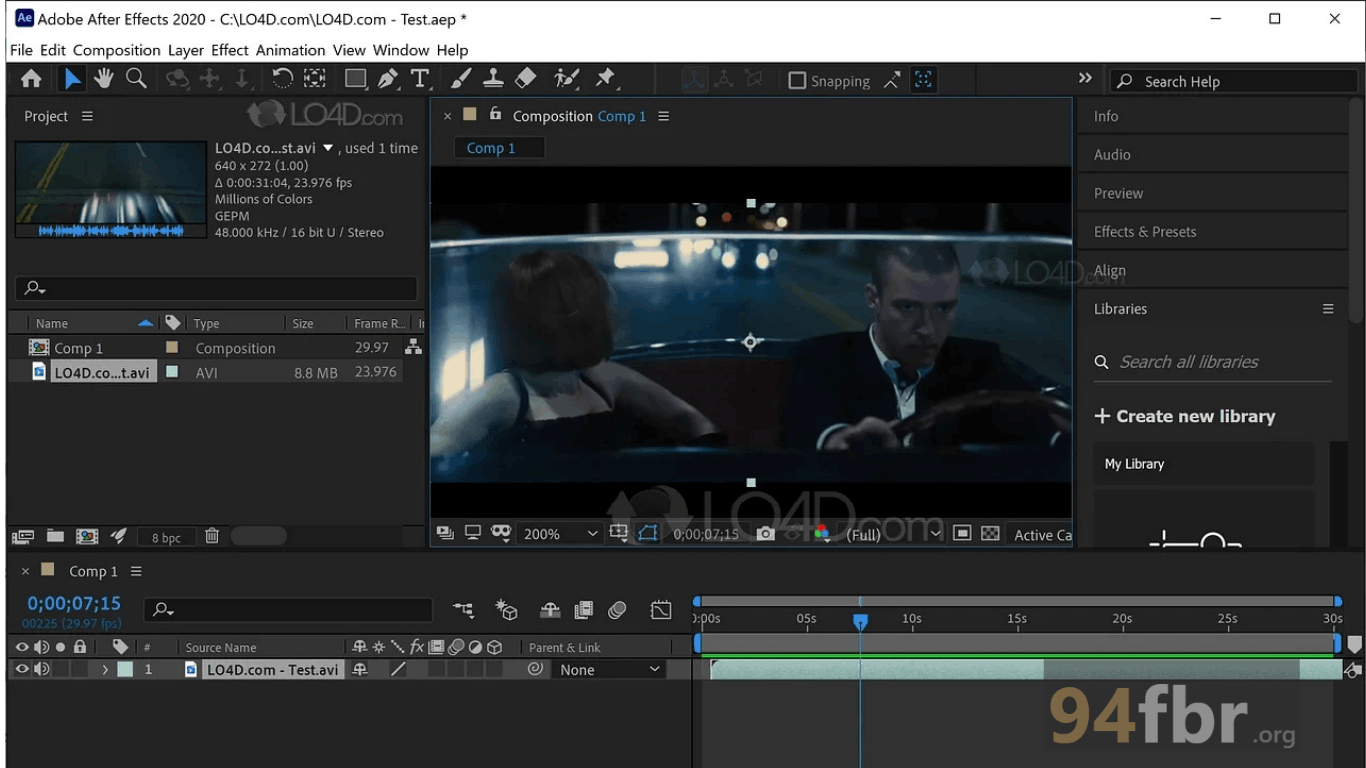
Adobe After Effects 26.0 for Windows | 94FBR screenshot 2

Features

  • Advanced 3D Workspace Engine: Integrates native 3D workspace controls, allowing designers to blend 2D layers with 3D models (.gLTF and .OBJ), customizable lighting setups, and physical cameras.
  • AI-Powered Roto Brush & Masking: Uses Adobe Sensei AI technology to isolate moving objects, subjects, and foreground elements automatically, cutting rotoscoping times dramatically.
  • Multi-Frame Rendering (MFR): Accelerates preview playback and final export rendering times by utilizing all available multi-core CPU threads simultaneously.
  • Content-Aware Fill for Video: Removes unwanted elements—such as boom mics, power lines, or background pedestrians—from moving video footage cleanly.
  • 3D Camera Tracker & Stabilization: Analyzes camera movements in 2D video clips to create virtual 3D camera tracks, enabling accurate text and graphic placement within real-world scenes.
  • Dynamic Link Integration: Links compositions directly to Adobe Premiere Pro timelines without requiring intermediate rendering exports, streamlining post-production workflows.

Requirements

Version
26.0
File size
7.28 GB
Platform
Windows
Requirements
Windows 10 or Windows 11, 4 GB or more
Developer
Adobe
Licence
Proprietary
Language
Multiingual
Release date
Feb 5, 2026
Downloads
64,009

How to install

  1. Launch Adobe Creative Cloud Desktop: Download and open the official Creative Cloud Desktop application on your Windows PC.
  2. Authenticate Account: Log in with your Adobe ID, Google, or corporate enterprise credentials.
  3. Navigate to Apps Center: Click on the Apps tab located in the upper navigation bar, then locate After Effects under the available desktop applications list.
  4. Initiate Installation: Click Install (or Try to initiate the 7-day evaluation period). The Creative Cloud installer will automatically download application packages and dependencies.
  5. Configure Cache & Launch: Once installed, open Adobe After Effects from your Start Menu. Navigate to Edit -> Preferences -> Media & Disk Cache to assign a dedicated SSD drive for optimal rendering performance.

Pros & cons

Pros

  • Industry-standard compositing and motion design capabilities with endless plugin extensibility (Element 3D, Trapcode Suite).
  • Multi-Frame Rendering delivers massive speed upgrades on modern multi-core workstations.
  • Unmatched ecosystem integration with Premiere Pro, Photoshop, and Illustrator.
  • Powerful expressions engine (JavaScript-based) allows procedural automation of complex animations.

Cons

  • Requires high-end desktop hardware (RAM and GPU) to achieve smooth real-time timeline previews.
  • Continuous subscription cost model through Adobe Creative Cloud may not suit occasional hobbyists.

Related in Adobe

View all

Leave a reply