Hotspot Shield VPN for Winodws Download | 94FBR

Free download Hotspot Shield VPN for Winodws Download | 94FBR 12.14.1.12298 38.44 MB · Windows · 69,642 downloads

Overview

Hotspot Shield VPN for Windows functions as a robust online security suite designed to protect desktop internet traffic against ISP tracking, public Wi-Fi snooping, and cyber threats. Unlike conventional VPNs that suffer severe bandwidth throttling over long-distance servers, Hotspot Shield optimizes performance through its patented Hydra protocol, ensuring low latency and maximum throughput.

The Windows desktop client features an intuitive, one-click interface that connects you instantly to over 3,200 VPN servers across 80+ countries. Whether you need to secure financial transactions on unsecured public networks, unblock region-locked streaming platforms, or mask your IP address during online gaming sessions, Hotspot Shield maintains strict privacy standards while delivering stable, ultra-fast connections.

Hotspot shield vpn for windows download equips your PC with a high-speed, secure Virtual Private Network engineered to safeguard your online privacy and bypass geo-restrictions seamlessly. Powered by Aura’s proprietary Hydra protocol, Hotspot Shield delivers exceptional VPN connection speeds alongside military-grade encryption for gaming, streaming, and safe web browsing.
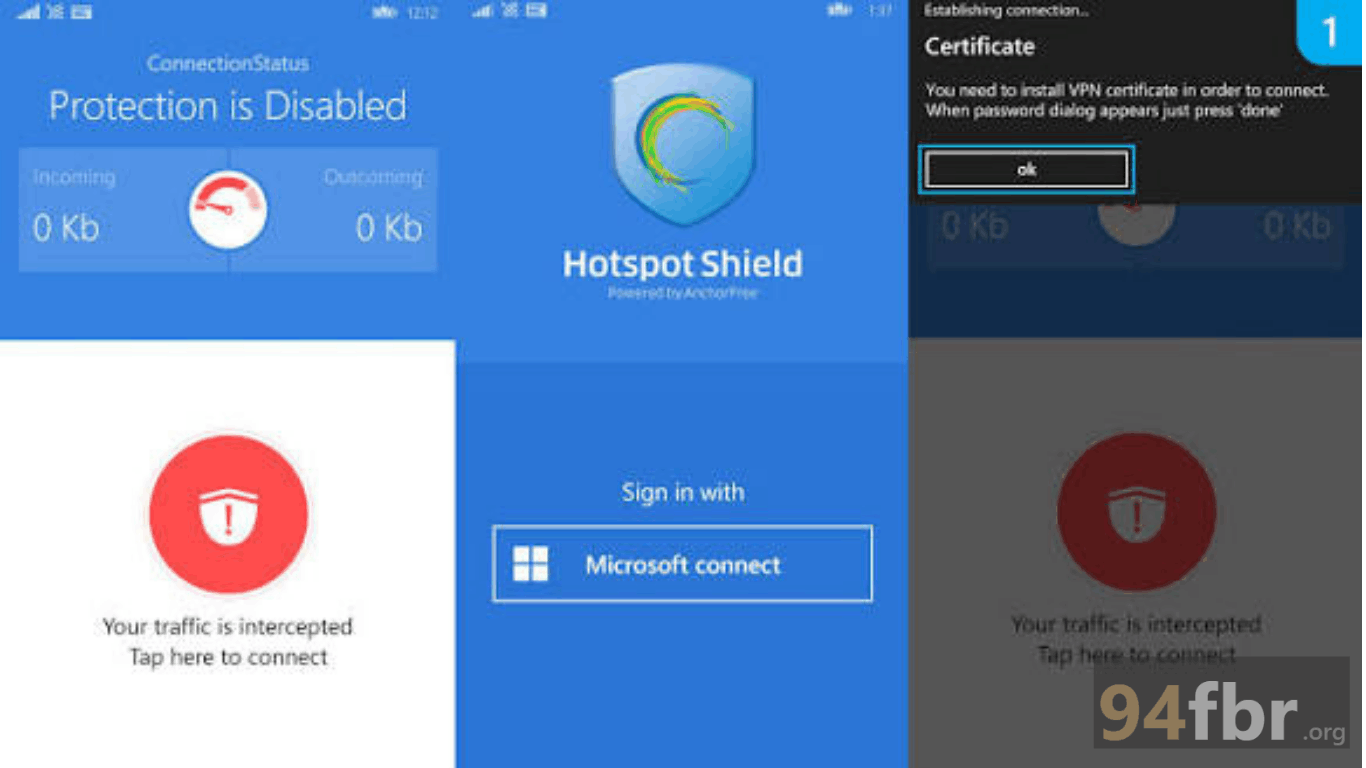
Screenshots

Hotspot Shield VPN for Winodws Download | 94FBR screenshot 1

Features

  • Patented Hydra Protocol: Delivers up to 2.4x faster connection speeds compared to standard OpenVPN protocols, optimized for long-distance data transmission.
  • Global Server Network: Accesses over 3,200 high-speed servers strategically positioned across 80+ countries and 35+ major cities worldwide.
  • Automatic Kill Switch: Disconnects your internet connection instantly if the VPN tunnel drops unexpectedly, preventing accidental IP or DNS data leaks.
  • Split Tunneling (Smart VPN): Allows you to select specific desktop applications or web URLs to bypass the encrypted VPN tunnel while routing remaining traffic securely.
  • Built-in Malware & Phishing Protection: Blocks malicious domains, phishing sites, and infected web pages automatically before they load on your browser.
  • Strict Privacy & Security: Encrypts internet traffic using AES-256 military-grade encryption and enforces a verified no-logs policy for personal browsing data.

Requirements

Version
12.14.1.12298
File size
38.44 MB
Platform
Windows
Requirements
Windows 10 or Windows 11, 4 GB or more
Developer
AnchorFree
Licence
Proprietary
Language
Multiingual
Release date
Mar 13, 2026
Downloads
69,642

How to install

  1. Download Official Setup Installer: Visit the official Hotspot Shield download portal and click Download Hotspot Shield to fetch the Windows installer.
  2. Launch Installer Executable: Open your system Downloads directory and double-click the installer file. Click Yes when the Windows User Account Control (UAC) prompt requests administrative permission.
  3. Run Setup Wizard: Select your preferred installation language, review the terms of service, and click Install.
  4. Complete Network Driver Setup: Allow the installer to automatically configure the TAP/Hydra network adapter drivers needed to establish secure VPN tunnels.
  5. Launch Software and Connect: Open Hotspot Shield from your Desktop or Start Menu, log in with your account (or click Continue with Basic), and click the large Power button to connect to the optimal server.

Pros & cons

Pros

  • Industry-leading connection speeds for 4K streaming, rapid torrenting, and low-ping online gaming.
  • User-friendly interface allows one-click server connection directly from the system tray.
  • Built-in split tunneling provides flexible control over encrypted network routing.
  • Free Basic version offers functional daily data protection without requiring credit card registration.

Cons

  • Free version restricts daily data bandwidth, limits server locations to the United States, and displays advertisements.
  • Advanced protocol configuration options are limited compared to technical VPN clients.

Related in Software

View all

Leave a reply