
SpyHunter for Windows Download | 94BR

Free download SpyHunter for Windows Download | 94BR 5.21.13.385 6.6 MB · Windows · 41,711 downloads

Overview

SpyHunter for Windows serves as an advanced, specialized anti-malware application tailored for deep system remediation and active threat removal. While standard antivirus suites focus primarily on general background file scanning, SpyHunter targets deep-seated malware infections that modify Windows startup keys, hijack browser settings, or inject malicious code into active system processes.

The application features a integrated vulnerability scanner alongside a custom rootkit detection engine. Operating below the OS layer during boot routines, it isolates and neutralizes active malware before it can execute or evade detection. Supported by direct access to security experts through its integrated Spyware HelpDesk, SpyHunter delivers personalized malware fixes for complex or customized system threats.

Hunter for windows download equips your system with an adaptive malware remediation utility designed to detect, block, and eliminate complex cybersecurity threats. Engineered by Enigma Soft, 94fbr SpyHunter 5 specializes in removing stubborn rootkits, spyware, adware, keyloggers, and ransomware that frequently bypass standard real-time antivirus solutions.
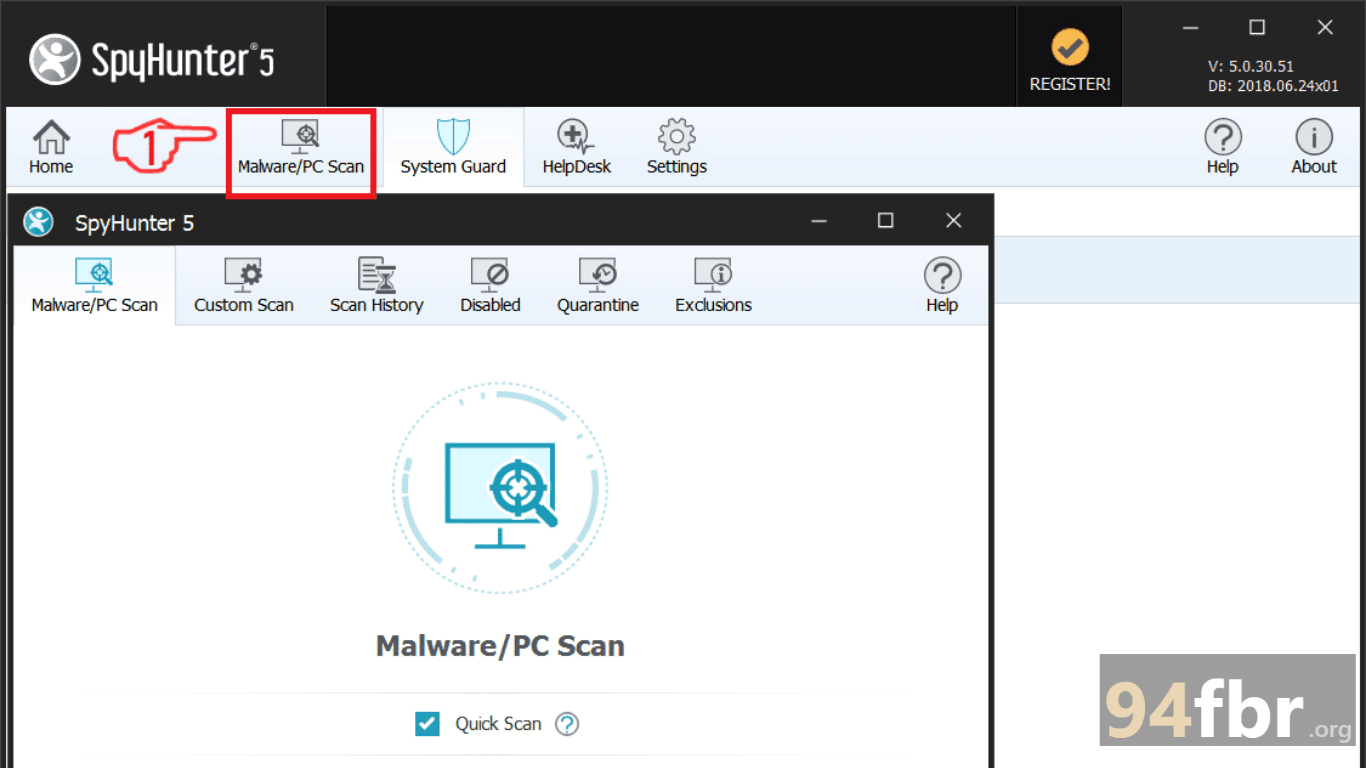
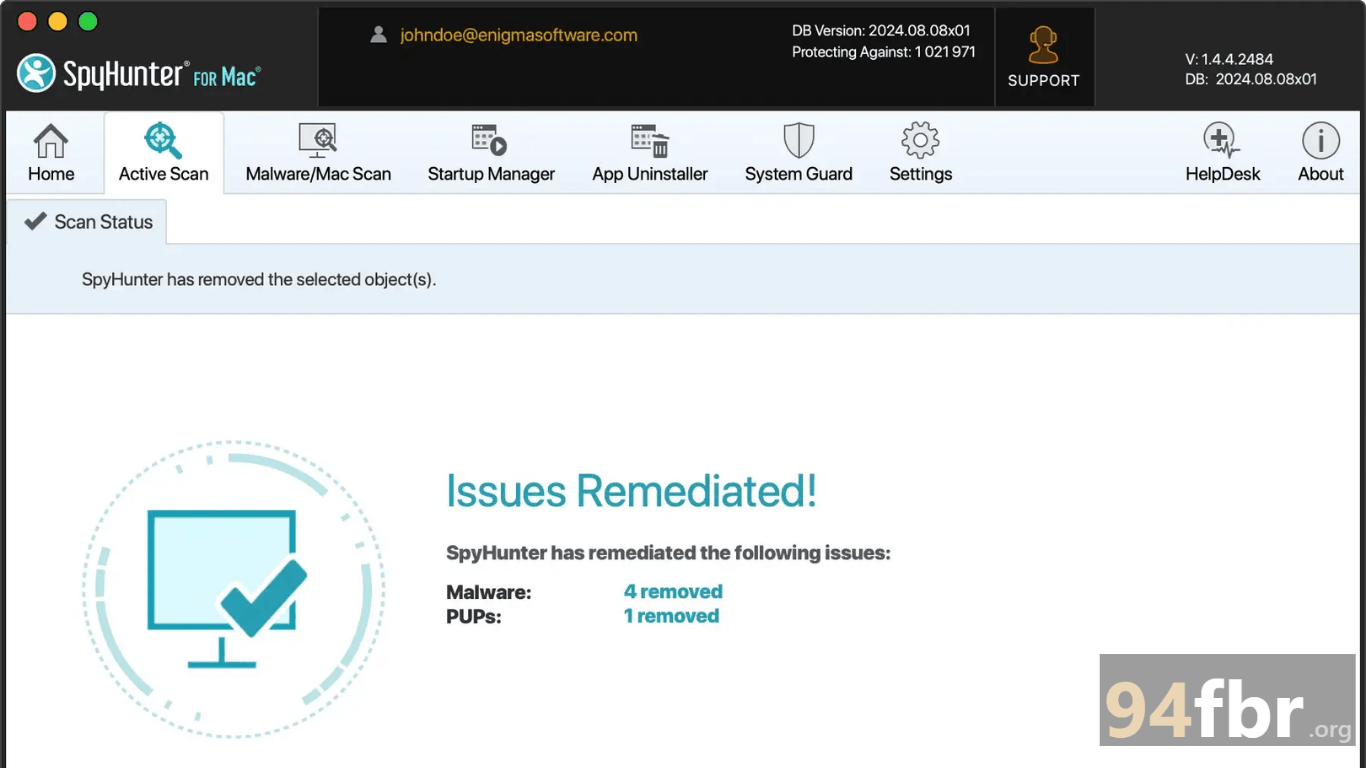
Screenshots

SpyHunter for Windows Download | 94BR screenshot 1
SpyHunter for Windows Download | 94BR screenshot 2

Features

  • Advanced Rootkit & Bootkit Scanner: Detects hidden rootkit threats operating beneath the Windows operating system layer and removes them during low-level pre-boot scans.
  • Custom Malware Fixes via Spyware HelpDesk: Connects users directly to Enigma Soft’s technical support team to generate custom diagnostic reports and tailored automated removal scripts.
  • Real-Time System Guards: Monitors network traffic, process executions, and system registry modifications continuously to block new threats before execution.
  • Vulnerability & Outdated Software Scanner: Scans installed applications for known security flaws, unpatched software vulnerabilities, and missing safety updates.
  • DNS & LSP Chain Protection: Prevents malicious software from modifying system DNS settings, Winsock LSPs, or proxy configurations to redirect internet traffic.
  • Customizable Directory Scanning: Allows users to run targeted directory scans across specific storage drives, system memory, or isolated registry branches.

Requirements

Version
5.21.13.385
File size
6.6 MB
Platform
Windows
Requirements
Windows 10 or Windows 11, 4 GB or more
Developer
Enigma Soft Company Limited
Licence
full_version
Language
Multiingual
Release date
May 21, 2026
Downloads
41,711

How to install

  1. Download Official Installer: Visit the official Enigma Soft website and click Download to save the setup installer.
  2. Launch Setup Executable: Locate the downloaded installer in your Downloads folder and double-click the setup file. Click Yes when the Windows User Account Control (UAC) prompt appears.
  3. Select Language & Execute Setup: Choose your preferred language from the dropdown menu, accept the End User License Agreement (EULA), and click Continue.
  4. Complete Installation Process: Select your destination folder (or accept default C:Program FilesEnigmaSoftSpyHunter) and click Install to unpack program dependencies.
  5. Update Definitions & Launch Scan: Click Finish to open SpyHunter, allow the client to download the latest threat definition database automatically, and click Start Scan to detect threats on your system.

Pros & cons

Pros

  • Highly effective at detecting and removing deeply embedded rootkits, trojans, and browser hijackers.
  • Direct access to expert technical support for personalized threat removal via Spyware HelpDesk.
  • Low-level boot scanner neutralizes threats before they load into active RAM memory.
  • Clean, intuitive user interface that makes running scans and viewing diagnostic logs straightforward.

Cons

  • Full automated threat removal requires purchasing a paid license subscription after running the free scan.
  • Deep heuristic scanning can take longer to complete compared to lightweight cloud-only scanners.

Related in Antivirus

View all

Leave a reply