Debut Video Capture for Windows Download | 94FBR

Free download Debut Video Capture for Windows Download | 94FBR 13.05 3.48 MB · Windows · 11,635 downloads

Overview

Debut Video Capture for Windows Software operates as an all-in-one utility for screen recording, video demonstration, and hardware feed capture. Unlike heavy screen recording suites that consume excessive system resources and cause frame drops, Debut delivers fluid recording capabilities using an optimized recording engine with a tiny installation footprint.

The software seamlessly records your entire desktop screen, single application windows, or selected screen regions alongside simultaneous webcam overlay feeds. Whether you need to record online lectures, capture gameplay sessions, digitize old VHS tapes through USB capture cards, or monitor security feeds via IP network cameras, Debut Video Capture outputs high-quality files in popular formats including MP4, AVI, WMV, MOV, and MKV.

Debut Video Capture for windows download equips your system with a comprehensive, lightweight screen recording and video capture software solution. Developed by NCH Software, Debut Video Capture allows users to record video streams from webcams, external recording devices, IP network cameras, and full desktop displays with minimal CPU overhead.
Screenshots

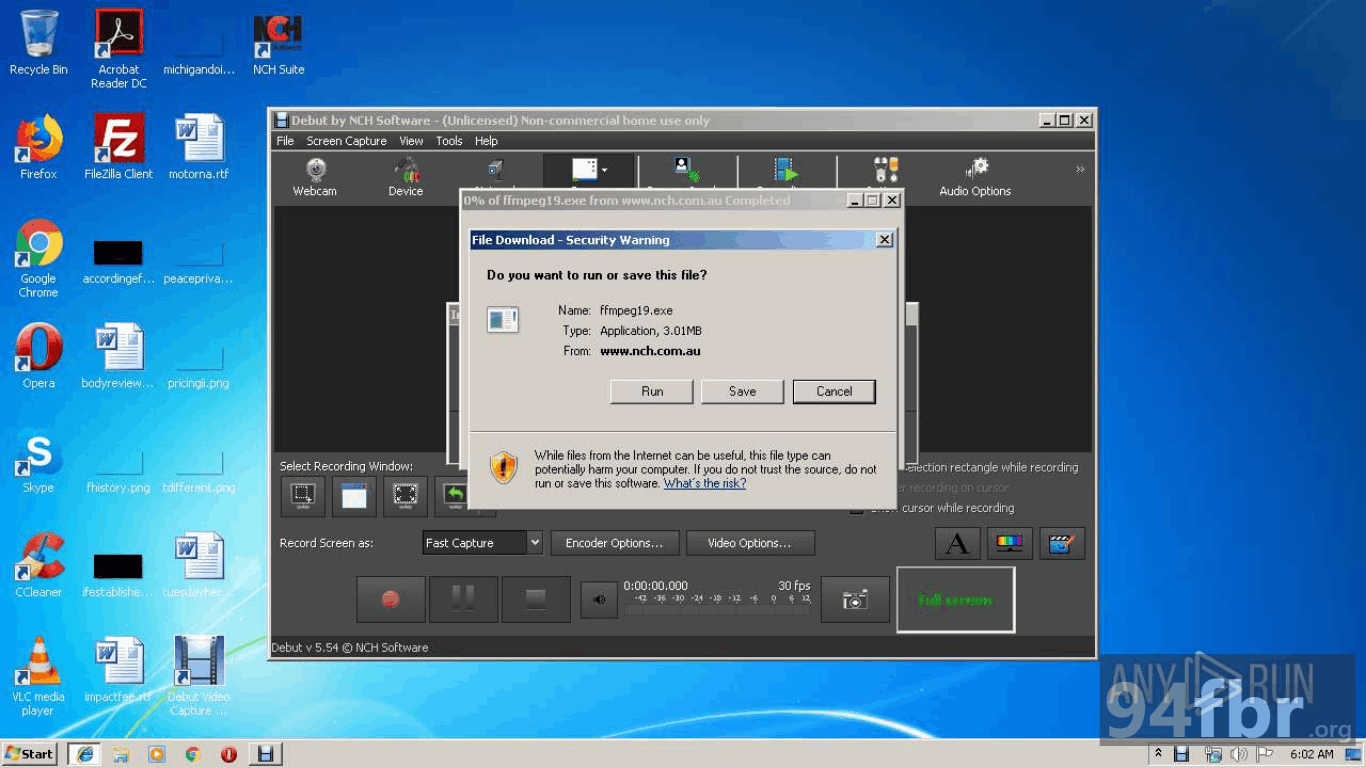
Debut Video Capture for Windows Download | 94FBR screenshot 1
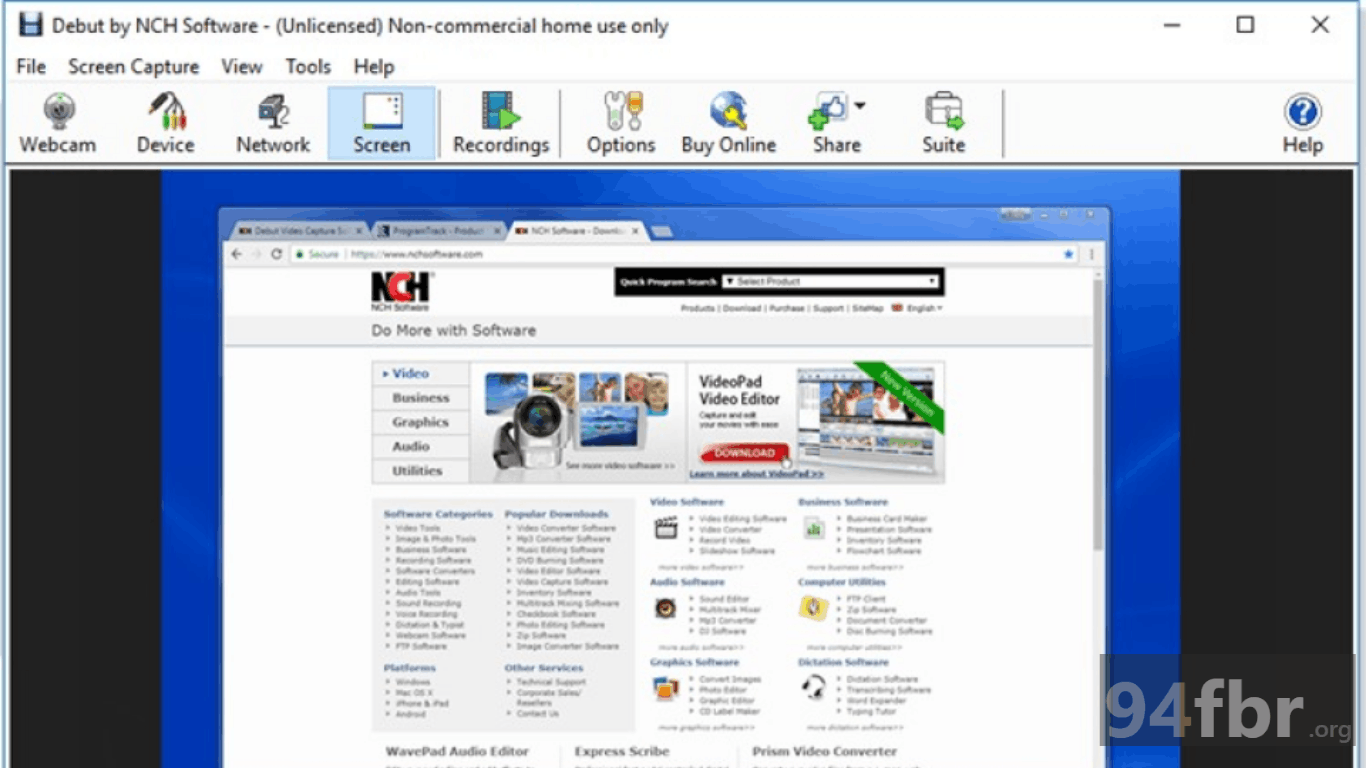
Debut Video Capture for Windows Download | 94FBR screenshot 2

Features

  • Multi-Source Video Capture: Captures footage directly from computer screens, webcams, USB video capture devices, VHS players, and IP network cameras.
  • Flexible Screen Region Selection: Records full-screen desktop displays, specific active application windows, or custom selected screen coordinates.
  • Webcam & Screen Overlay: Features Video Overlay functionality to record webcam video directly over screen recordings for picture-in-picture tutorial creation.
  • Real-Time Video Effects & Filters: Adjusts color settings, brightness, contrast, and applies video filters or text captions to recordings in real time.
  • Scheduled Recording Engine: Automates recording sessions by scheduling start and stop times for live webinars, streaming broadcasts, or surveillance feeds.
  • Comprehensive Format Export: Exports recorded video files into MP4, AVI, WMV, FLV, MOV, MPG, and MOV containers with customizable frame rates and bitrates.

Requirements

Version
13.05
File size
3.48 MB
Platform
Windows
Requirements
Windows 10 or Windows 11, 4 GB or more
Developer
NCH Software
Licence
Proprietary
Language
Multiingual
Release date
Aug 7, 2026
Downloads
11,635

How to install

  1. Download Official Setup Installer: Visit the official NCH Software website and download the Windows setup package.
  2. Execute Setup File: Navigate to your Downloads directory and double-click. Click Yes when the Windows User Account Control (UAC) prompt appears.
  3. Accept Terms and Install: Review the license agreement, select I agree to the terms, and click Next. The lightweight installer will unpack and register all components in seconds.
  4. Configure Video & Audio Devices: Open Debut Video Capture from your desktop, navigate to the Options menu, and select your preferred audio input devices and default output folder.
  5. Start Recording: Select your desired capture mode (Screen, Webcam, or Device), click the red Record button (or press F9), and save your high-definition video feed.

Pros & cons

Pros

  • Extremely lightweight installer (~5 MB) with negligible impact on background RAM and CPU usage.
  • Native hardware capture support for USB capture cards, webcams, and network IP cameras.
  • Built-in schedule recorder allows unattended automated video capturing.
  • Free non-commercial version provides robust screen recording functionality without forced watermarks.

Cons

  • User interface retains a legacy visual design compared to modern, highly stylized video tools.
  • Advanced post-production editing features require exporting files to external software like NCH VideoPad.

Related in Video Editor

View all

Leave a reply